 By Tom Antonie, CEO and co-founderUpdated 11 November 20267 min read
- 12
- Parts of the owner portal
- Every line
- Stays, costs and payments, itemised
- PDF + CSV
- Statements and records to download
- One inbox
- Questions kept with their answers
The short answer
Your bottom line has two halves: what guests pay, and what the home costs to run. Most owners only ever see the first half clearly. Good reporting shows both, line by line, with the invoice behind each cost and the bank reference behind each payment, so you can ask about anything before it adds up.
How Lively manages holiday homes →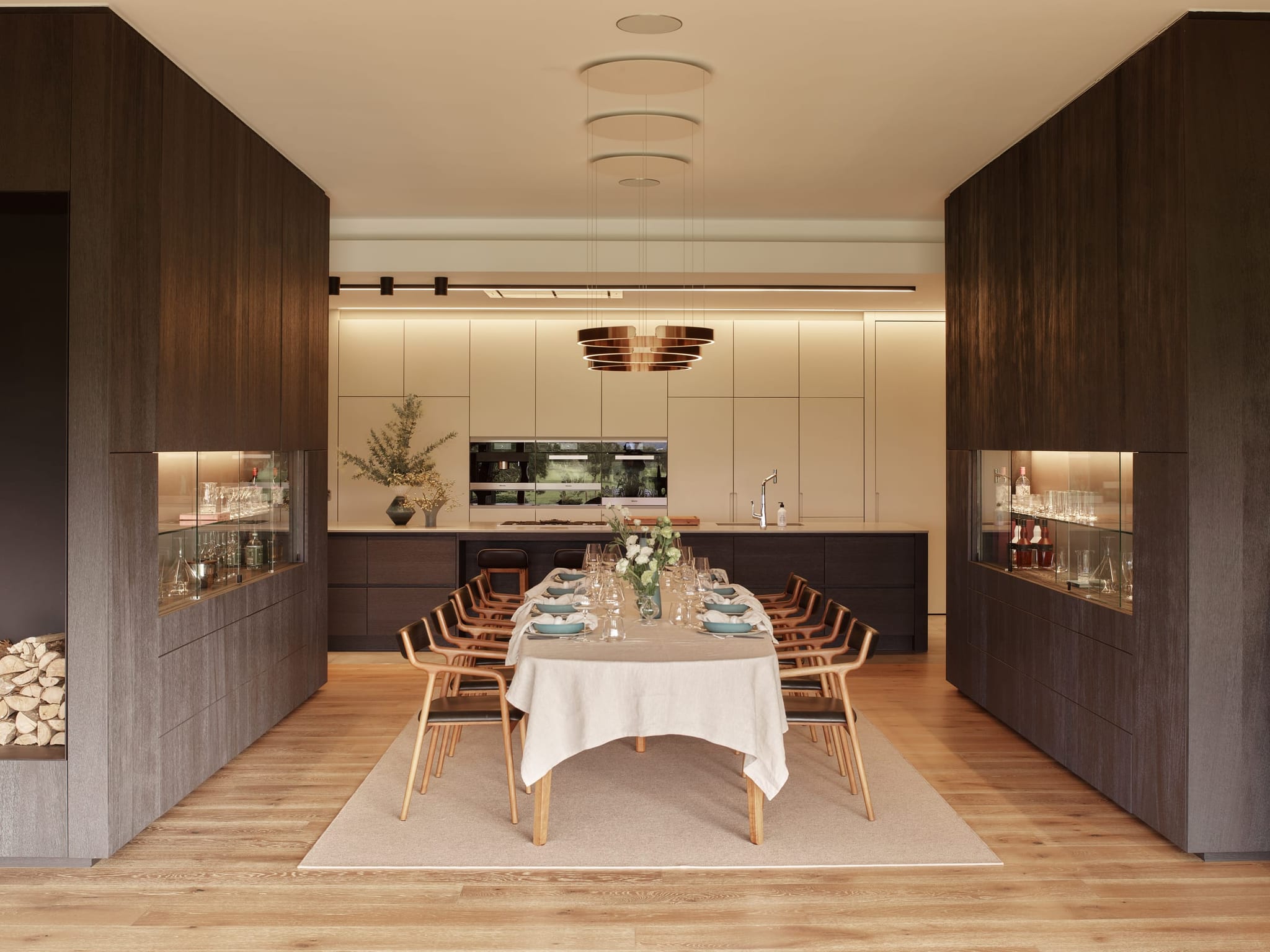
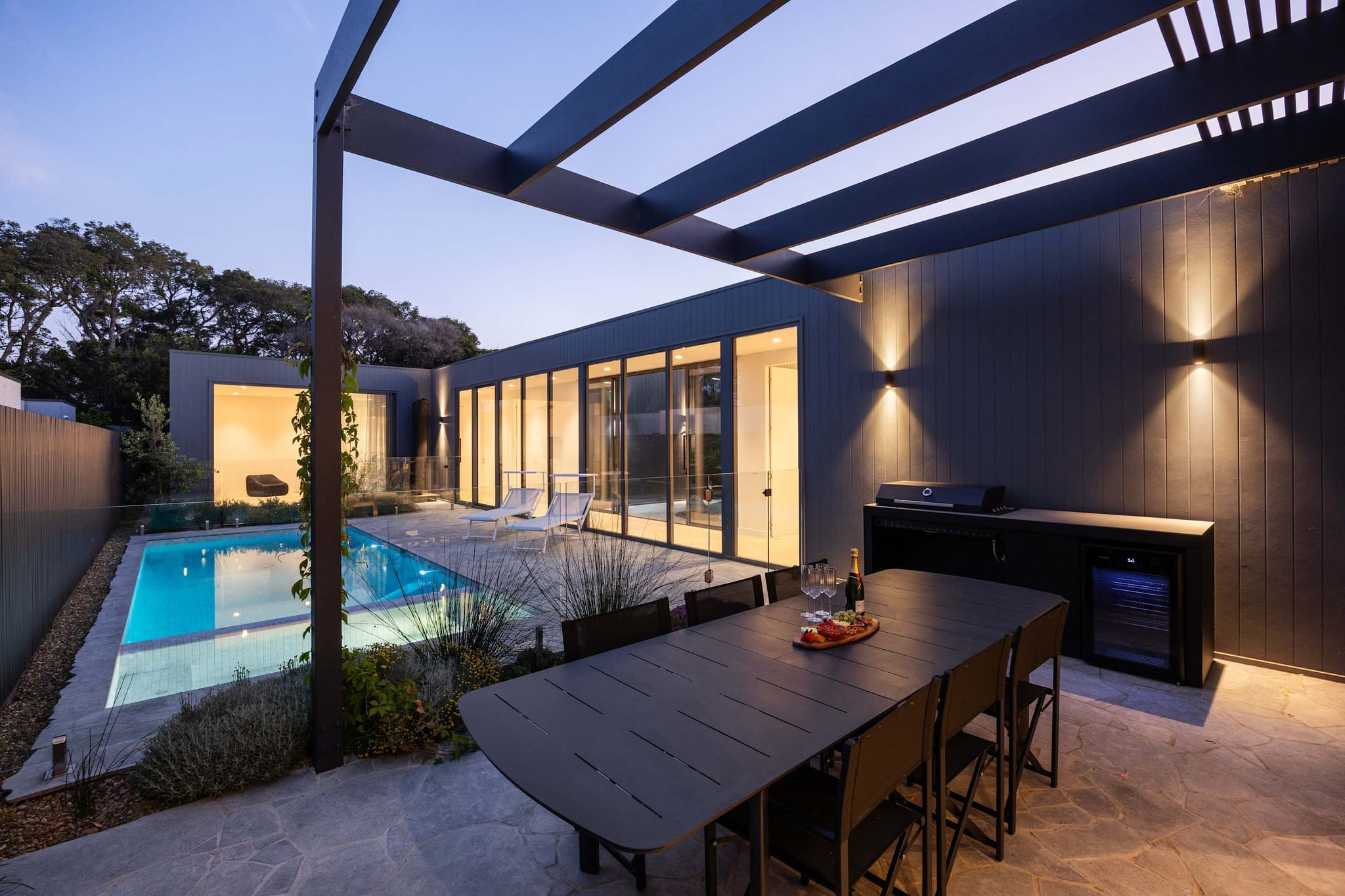
Valeri, Yering
Why it matters
Your bottom line has two halves
Everyone talks about the first half: what guests paid, how many nights booked, the nightly rate. It's the half on the brochure.
The second half is quieter. Cleaning and linen, supplies, a broken outdoor setting, a plumber on a Sunday. None of it is big on its own. Across a year it adds up, and it's the half owners usually see least clearly, often as one total at the bottom of a PDF.
You can't manage what you can't see. If a cost is one line called "maintenance", you can't tell whether it was a one-off or something that keeps coming back. Clear reporting is what lets you ask the right question early, while it's still a small cost.
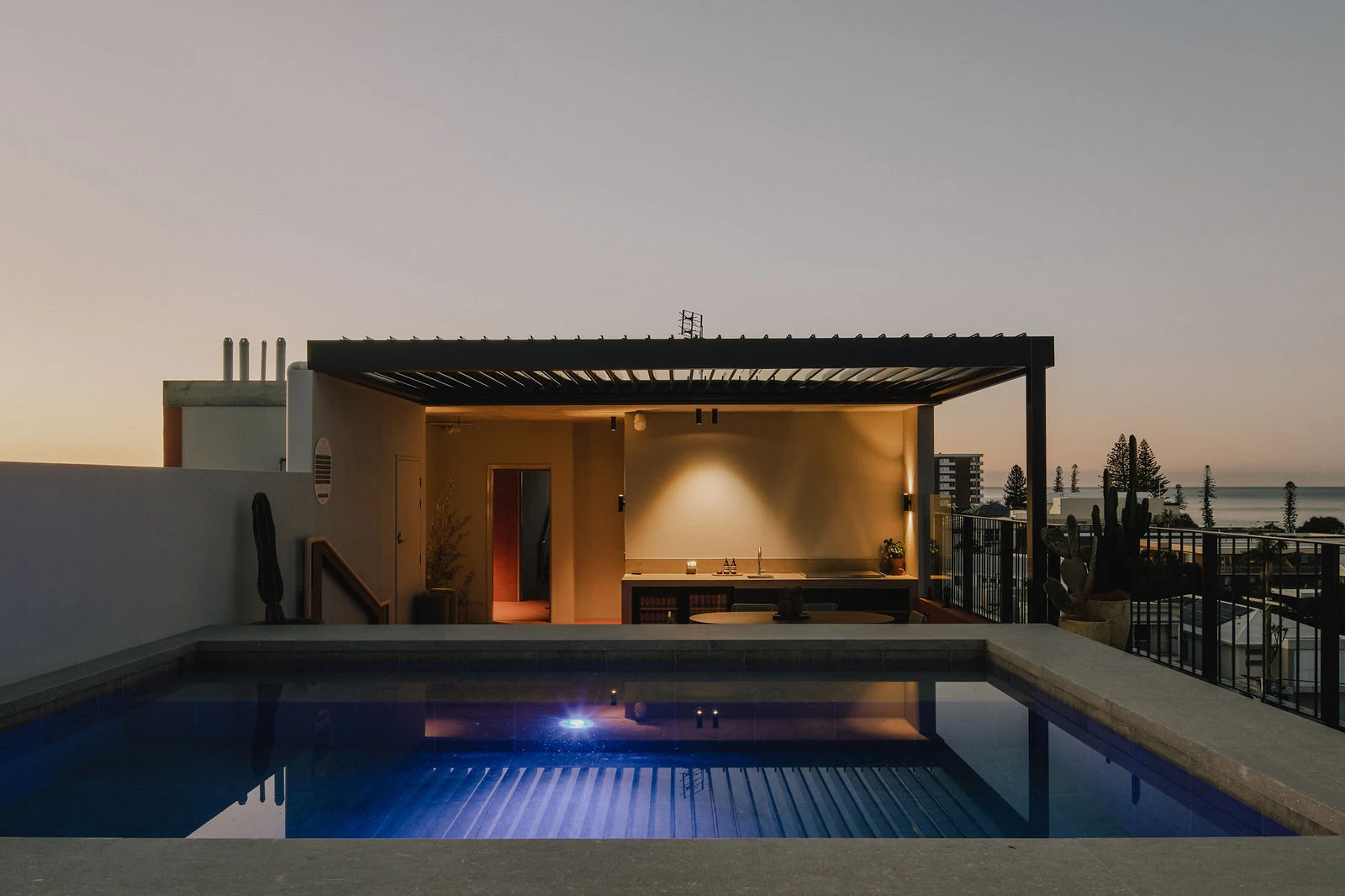
Atelier, Sorrento
The test
Four things clear reporting should show you
When we built our reporting, we held it to four tests. If an owner can't see these without asking, the report isn't doing its job.
Each test comes back to one idea: you should be able to trace any dollar to where it came from. A stay to its booking. A cost to its invoice. A payment to your bank statement. When every dollar can be traced, a small problem shows up as a line you can ask about, not a surprise at the end of the year.
01
Every stay
Each booking with its dates, nights and what the guest paid.
02
Every cost
What it was for and when, with the invoice or receipt where there is one.
03
Every payment
What was paid to you, when, and the bank reference to match it.
04
A person's view
A written update from your portfolio manager on how the month went.
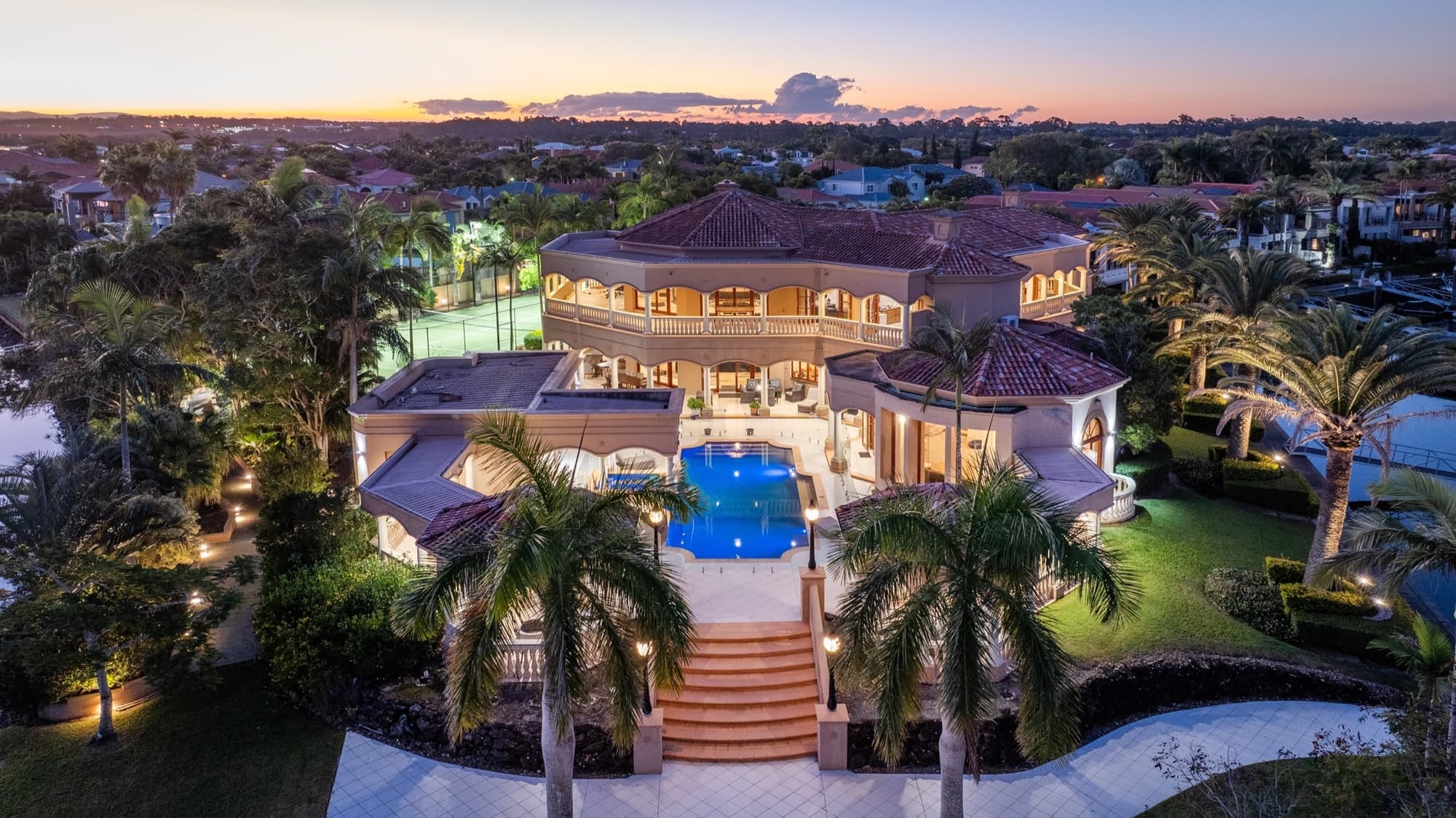
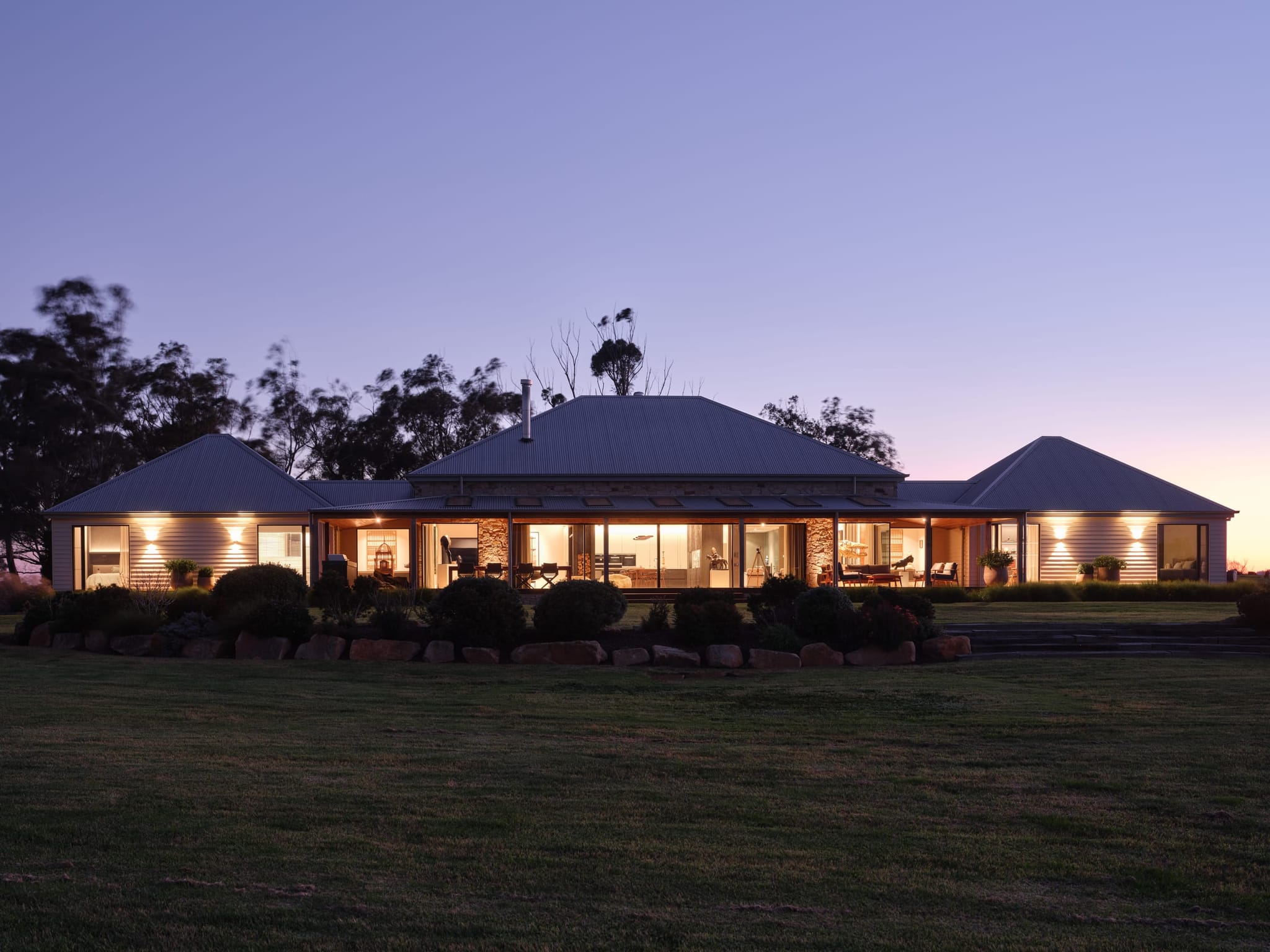
Bellagio, Hope Island
The portal, part one
Where you stand, and what's coming
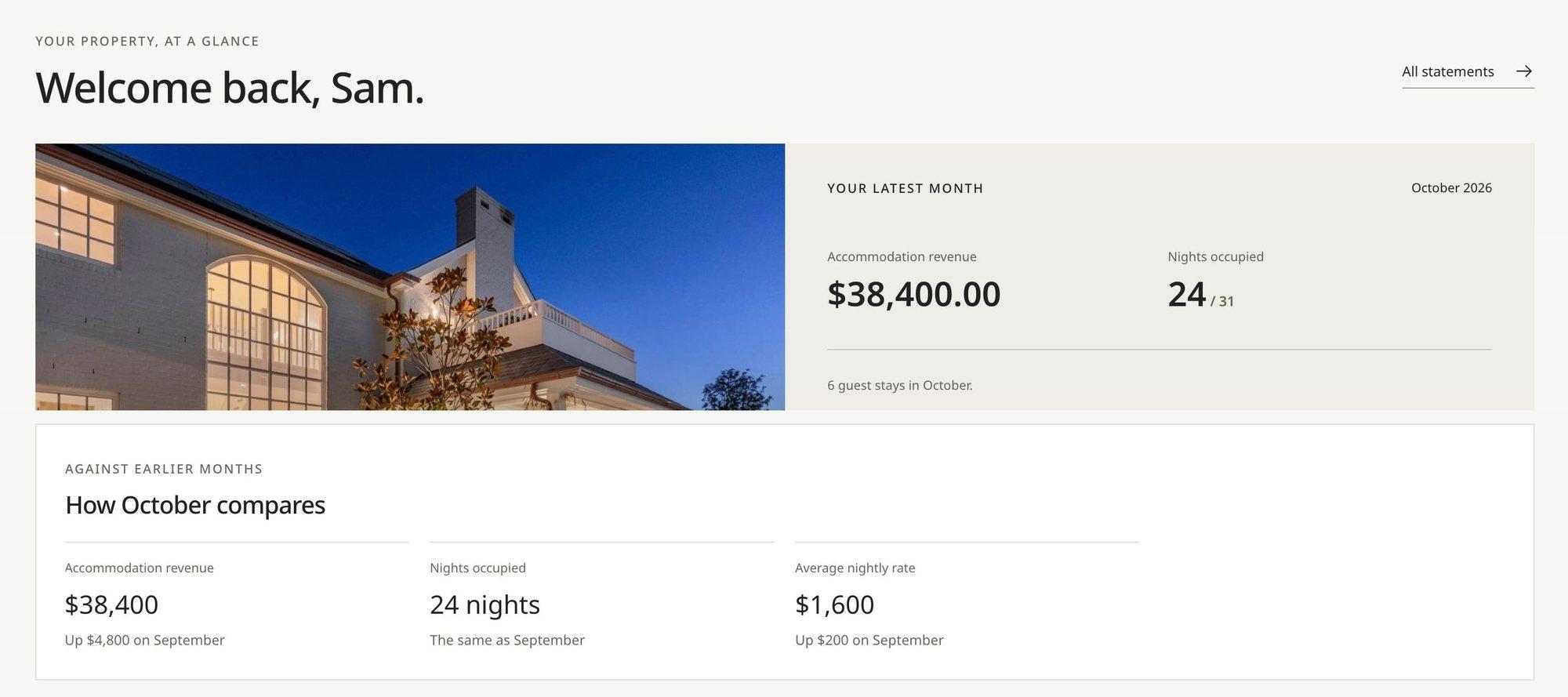
Here's the portal, screen by screen. It opens on your home at a glance: the latest published month, what guests paid, the nights booked, and how that compares with the month before and the same month last year.
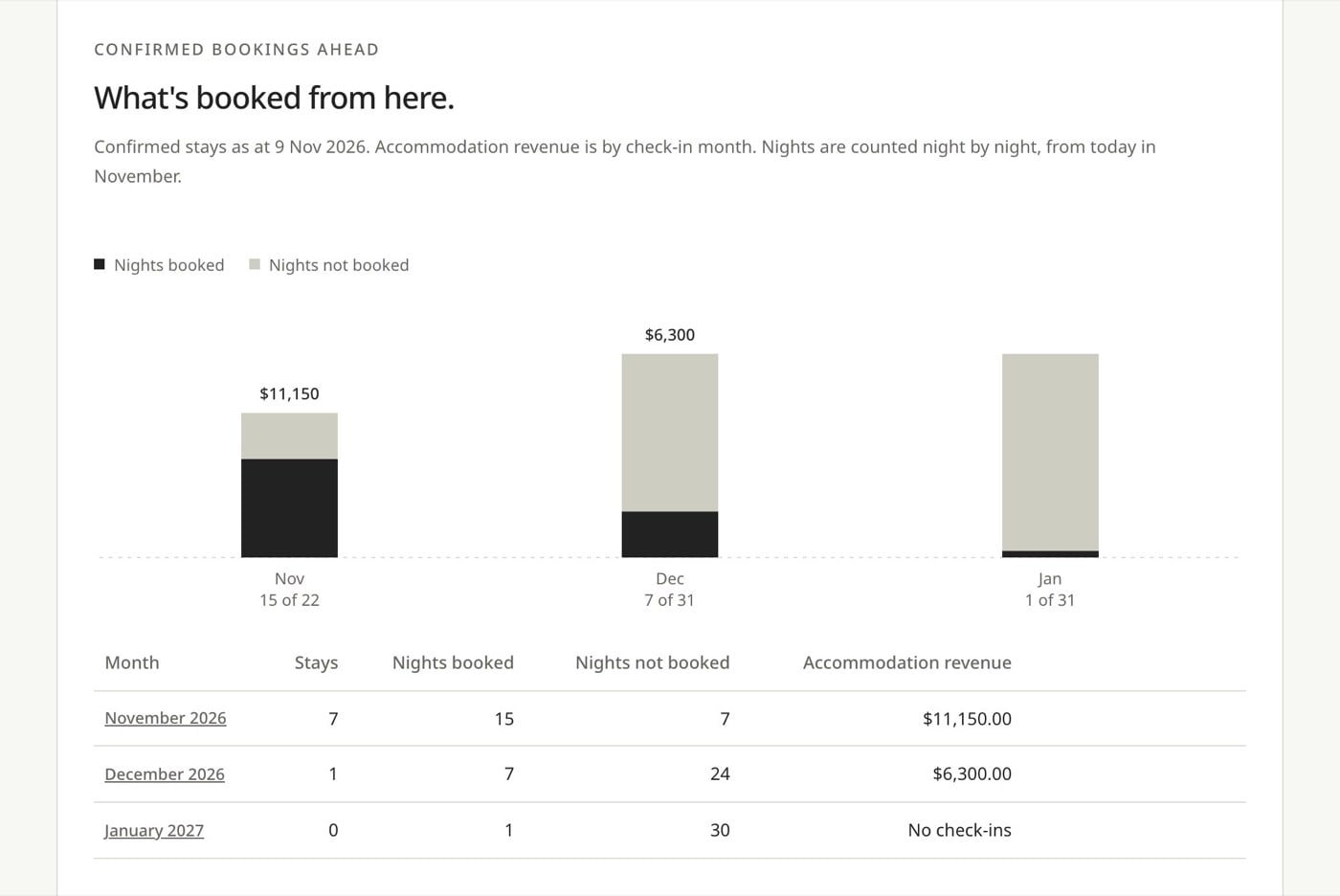
Your monthly update sits beside it, with your portfolio manager's note on what happened and why. Then forward bookings: the confirmed stays ahead, the nights still open, and what guests have already booked month by month.

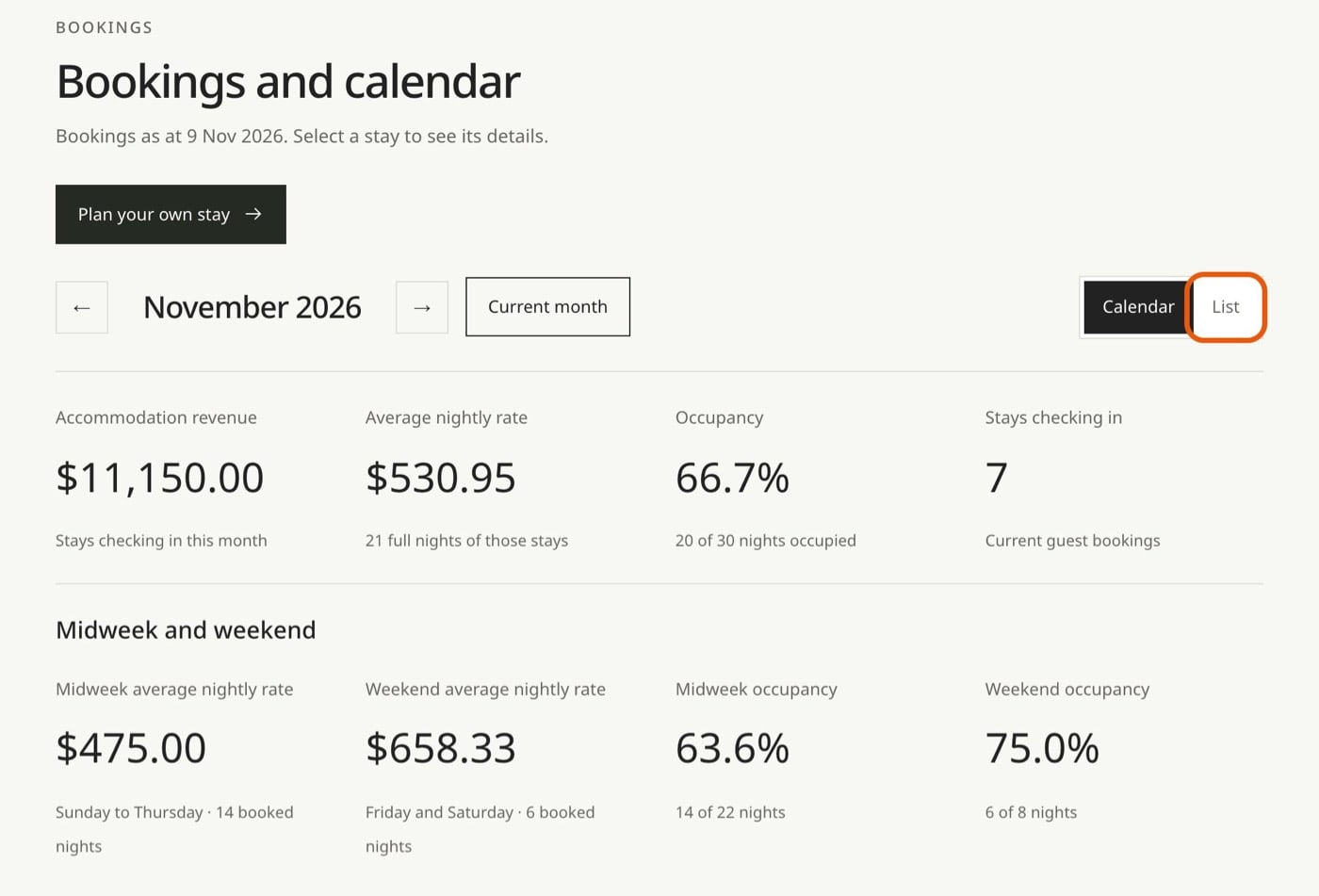
The calendar shows every booking, with a list view you can search. Each month shows what guests paid, the nightly rate and occupancy, split into midweek and weekend, so you can see which nights carry the home. Open any stay for its details and any guest feedback.
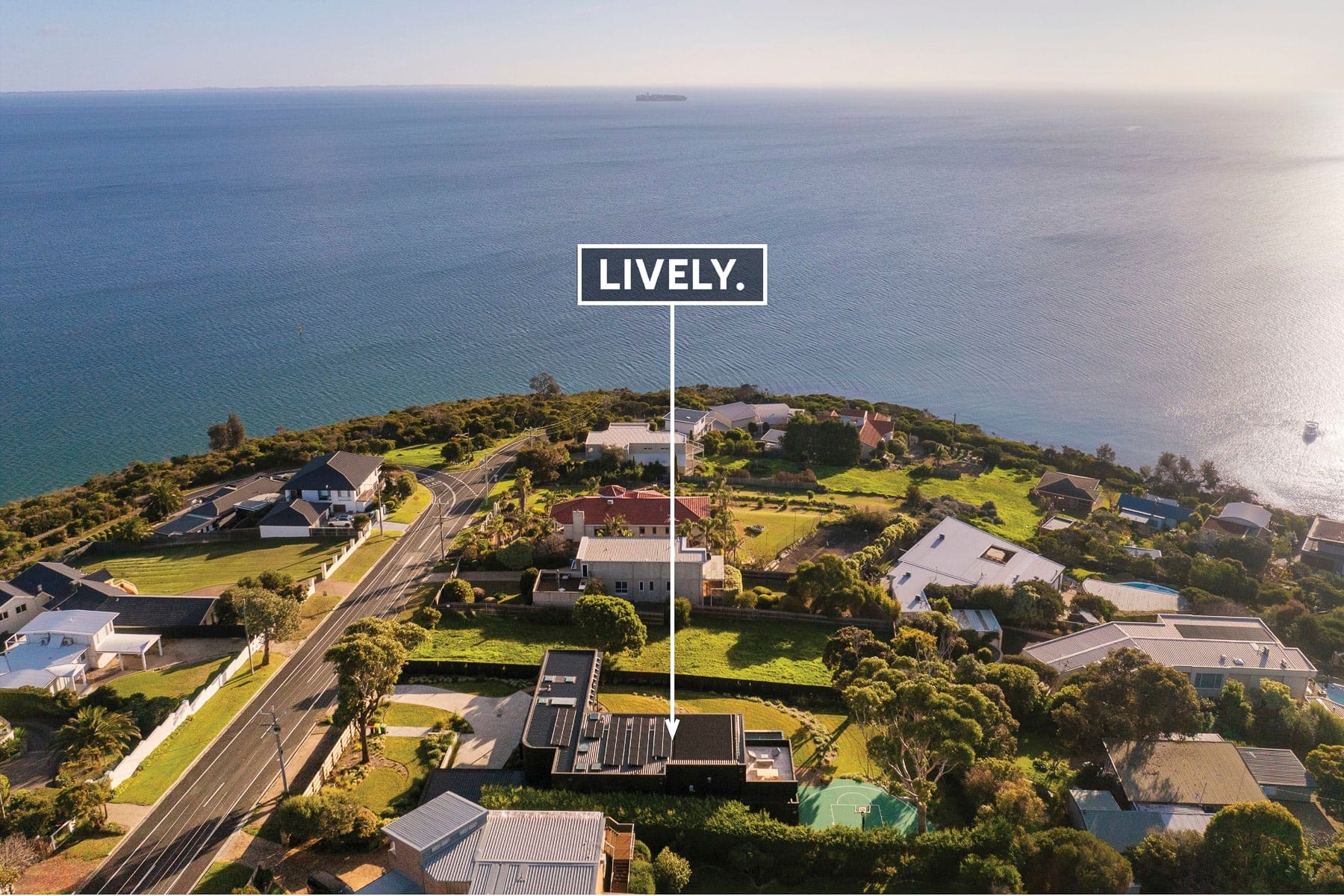
Blanc de Noir, Mount Martha
The portal, part two
The costs, line by line
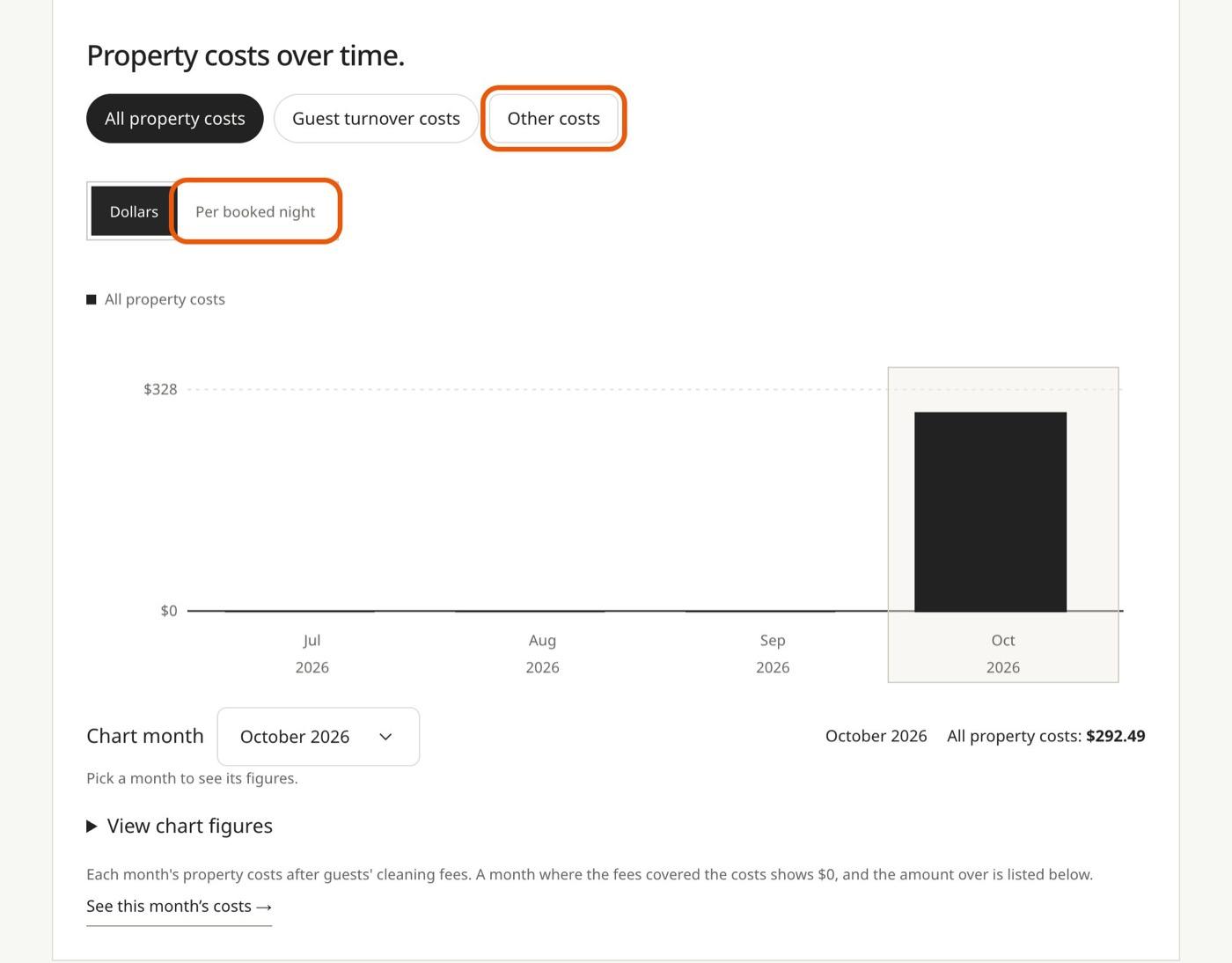
This is the half that protects your bottom line. The property cost breakdown shows each type of cost over time. Switch between total dollars and cost per booked night, which tells you whether a cost is growing because the home is busier or because something keeps going wrong.
Pick a month and you see the records behind it, with the invoice details where we have them.
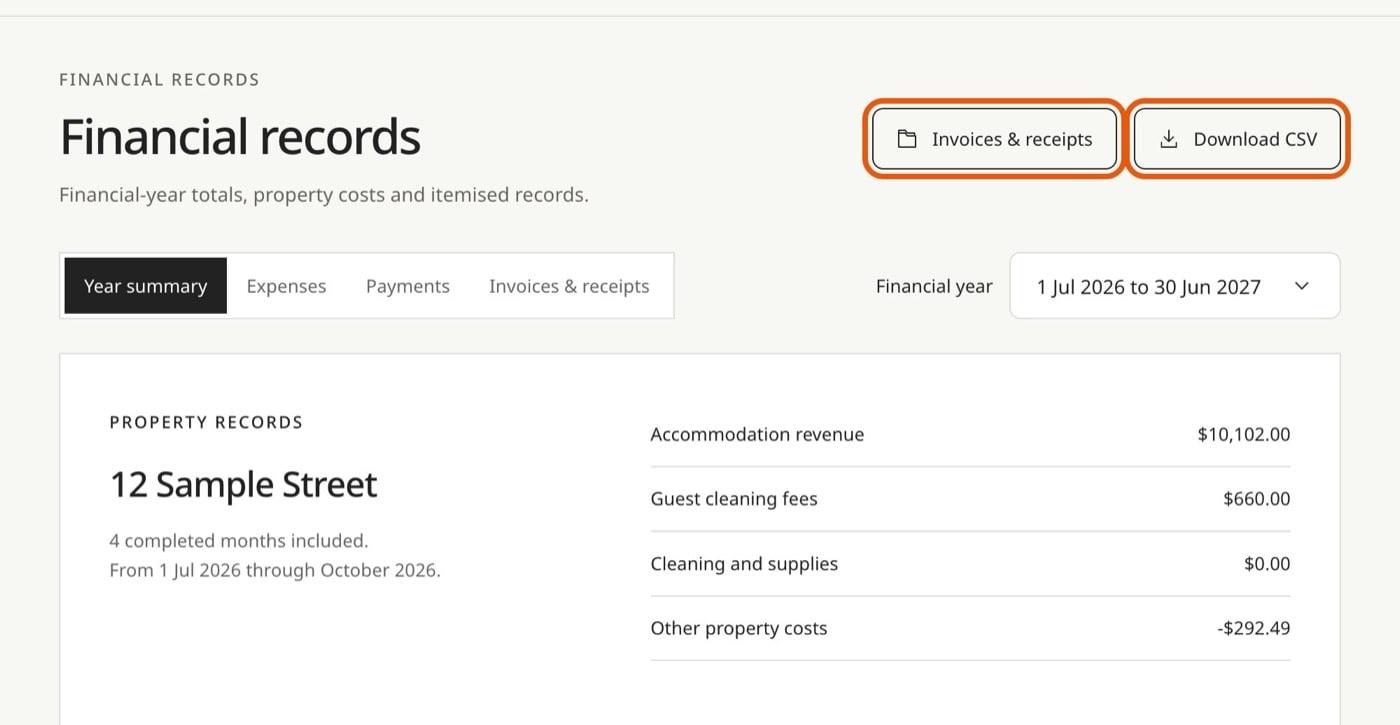
Your statement lists stays, costs and payments line by line, with PDF and CSV downloads and the payment status we've recorded. Where your home's setup asks for it, you approve the statement or ask for a correction right there. Invoices and receipts are grouped by month and category, beside financial-year totals your accountant can download in one go.
Valeri, Yering
The portal, part three
Reviews, questions and your own stays
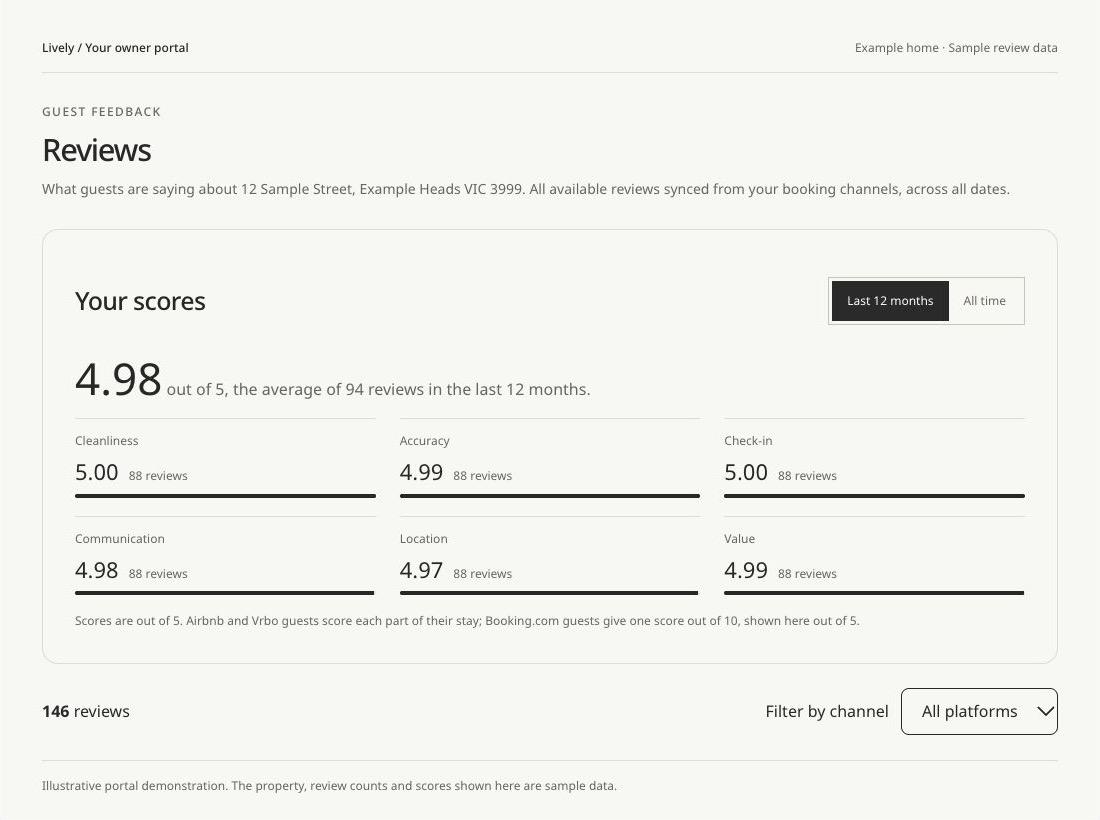
Guest reviews sit in one place, with overall and category scores for the last twelve months or all time, filtered by channel, and the team's reply where there is one.
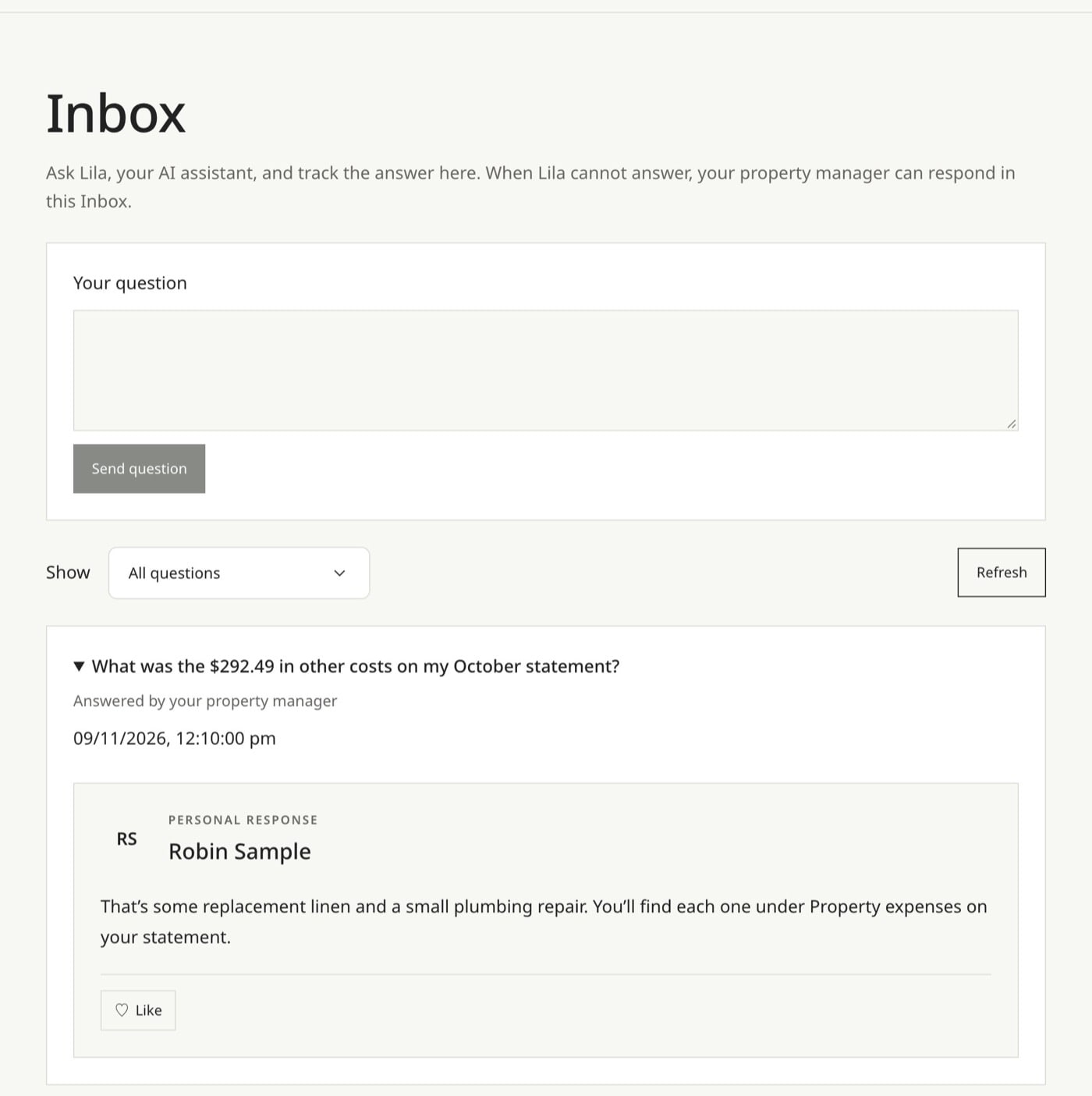
If something on a statement doesn't look right, ask about it in your inbox. The answer stays with the question, linked to the records behind it, and you can ask for your portfolio manager whenever you'd rather talk to a person.
At eligible homes you can plan your own stays from the portal too: choose dates and guests, and add a note for your portfolio manager. It works on your phone, and if you have more than one home with us, you move between them in the same account.

Guss, director and co-founder
Built by our team
Why we built our own owner portal
We started on the owner portals that come with the big holiday rental software, and they held us back. Owners only saw the metrics the software chose, in its terminology, not ours. Bugs we couldn't fix. Features owners asked for that didn't exist. And it was highly inefficient for our team to run.
The result was less transparency and a worse experience for the people who trust us with their homes. So we built our own, all-inclusive owner portal: every stay, cost, payment, review and question in one place, in plain words. Because it's ours, when owners ask for something, we build it.
12
Parts of the portal, in one login
Your home at a glance, the monthly update, forward bookings, bookings and stays, your own stays, performance, costs, statements, records, reviews, questions, and more than one home in the same account.
In their words
“Attention to detail and a high level of coordination meant guests have consistently loved their stay.”
The first half of the line
Reporting shows the result. Marketing and pricing earn it.
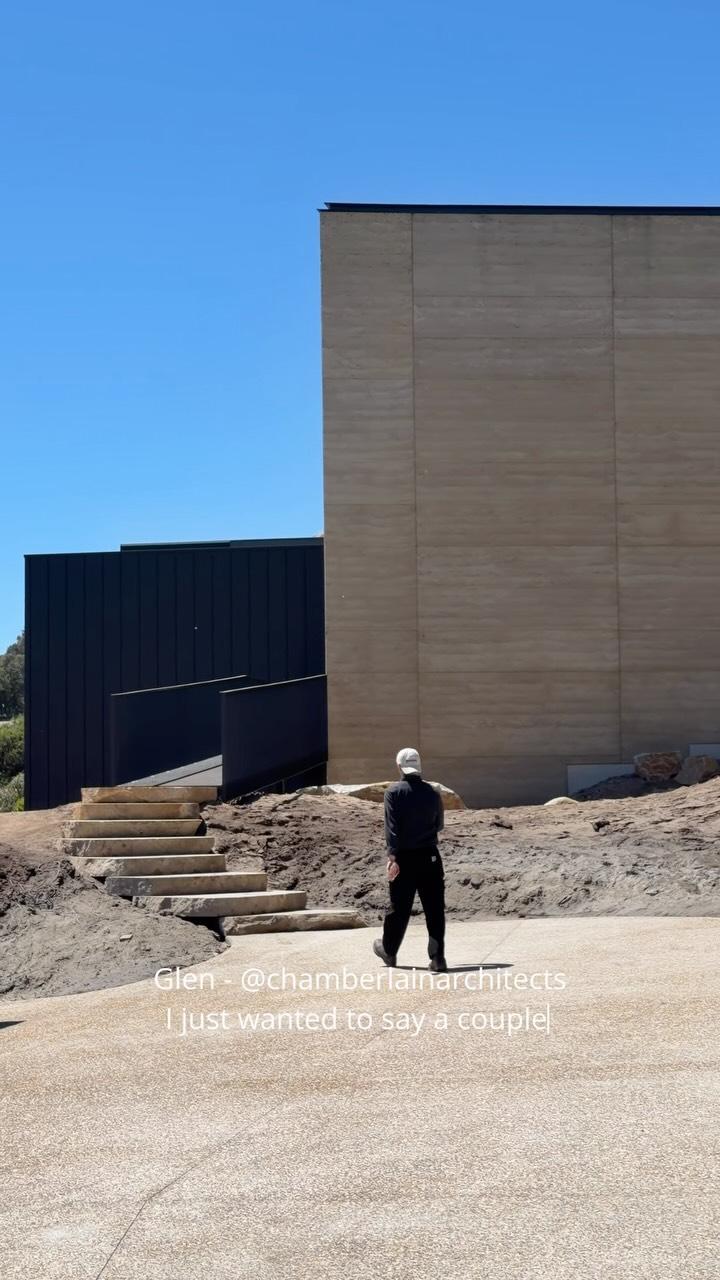
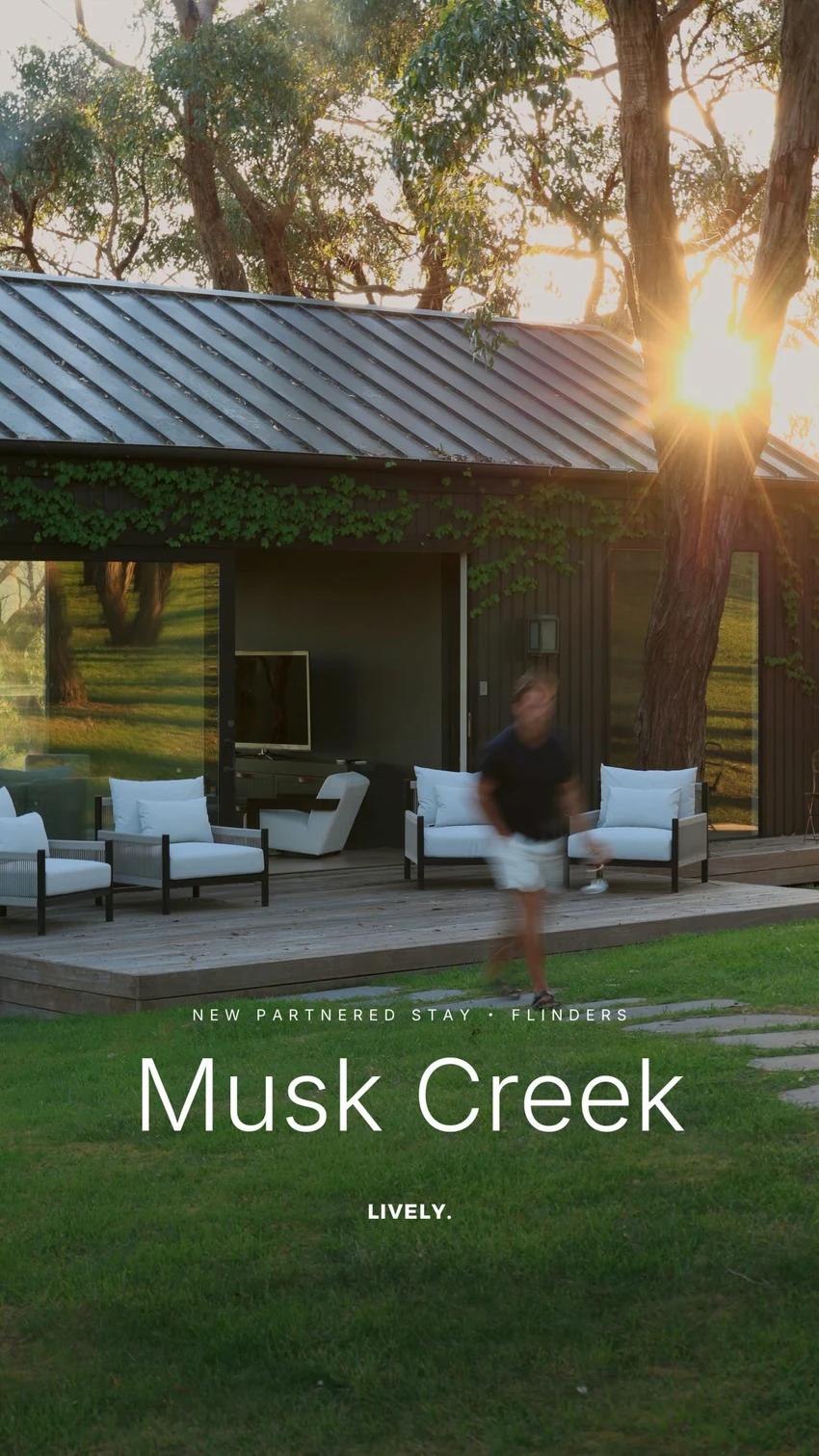
Clear reporting is how you see what the home earned. These real campaign posts are part of how it earns it, sending guests to pages with live dates and prices.